ExclusiveSurvey: Back in the office, feds feel mixed on office space functionality
As agencies aim to improve in-person collaboration, Federal News Network’s survey of 6,300 feds finds many don’t think return-to-office layouts are up to par.


A Federal News Network survey of 6,300 feds finds leaders’ return-to-office visions aren’t meeting reality for many employees with new in-office requirements.
How are agencies elevating the total experience, both for the public and for federal employees?
Join us April 23 and 24 at 1 p.m. ET each day for the Federal News Network CX Exchange, presented by Maximus.
Join us April 25 at 1 p.m. ET for the Federal News Network StateRAMP Exchange to see how StateRAMP continues to evolve and discover how agencies across state governments are moving to the cloud, presented by Carahsoft.
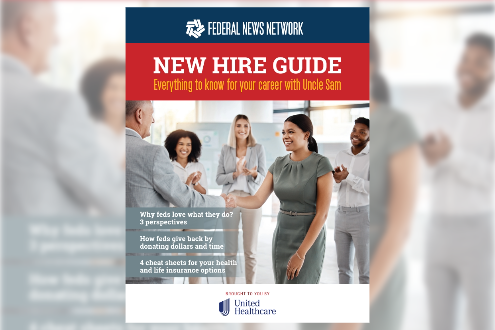
New to civil service? We created this guide to provide insights and pointers to first-time feds. Be inspired by careerists and also get pointers to make the transition to your new job as smooth as possible. (Pssst: It includes health and life insurance cheat sheets too!)
The Foreign Service will have fewer resources to continue its robust hiring efforts — but plans to keep hiring above its rate of attrition.

The FEHB program began offering coverage for some IVF-related medications just this year. But now House and Senate Democrats are calling for even more options.

The intelligence community’s new OSINT strategy puts a premium on using open-source data, as opposed to highly secretive sources and and methods.

The new capabilities, applications and business models unlocked by cloud adoption are expected to have an outsized effect on the business of government.
That new White House guidance on agency use of artificial intelligence embodies guardrails, but also a few opt-out scenarios.

VA’s chief veterans experience officer explains how the department reaches out to service members transitioning back to civilian life.

As an acute threat, the pandemic departed a couple of years ago. The Pandemic Response Accountability Committee (PRAC) has another 18 months to do the same.

How many times have your heard the term, entrepreneurial government?








Daily photos of things happening in and around the federal government.